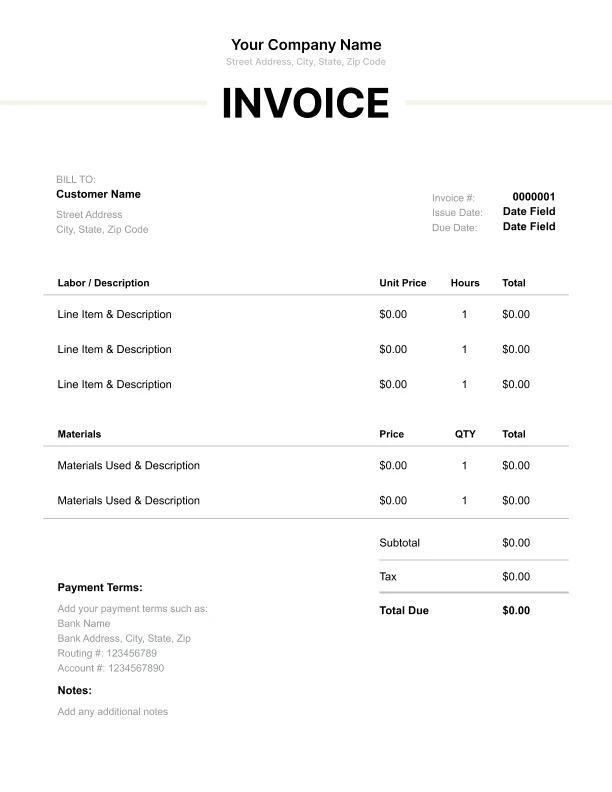
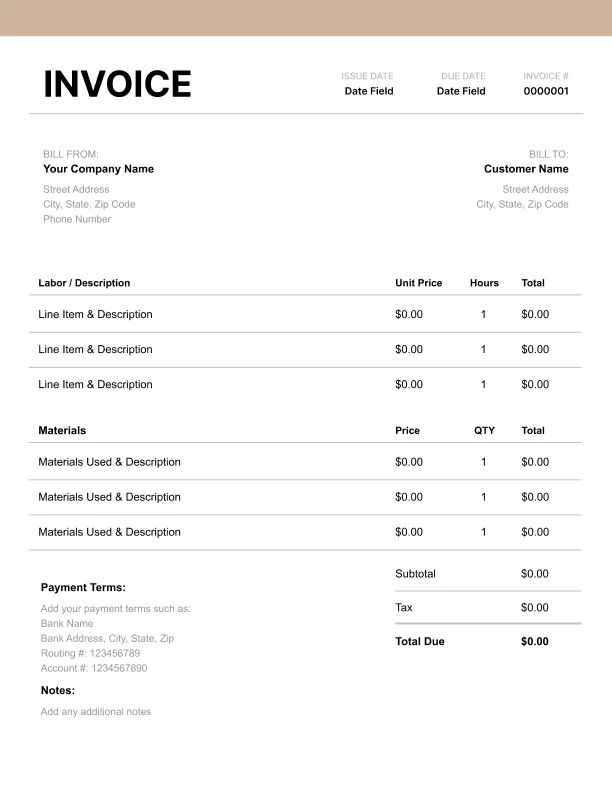
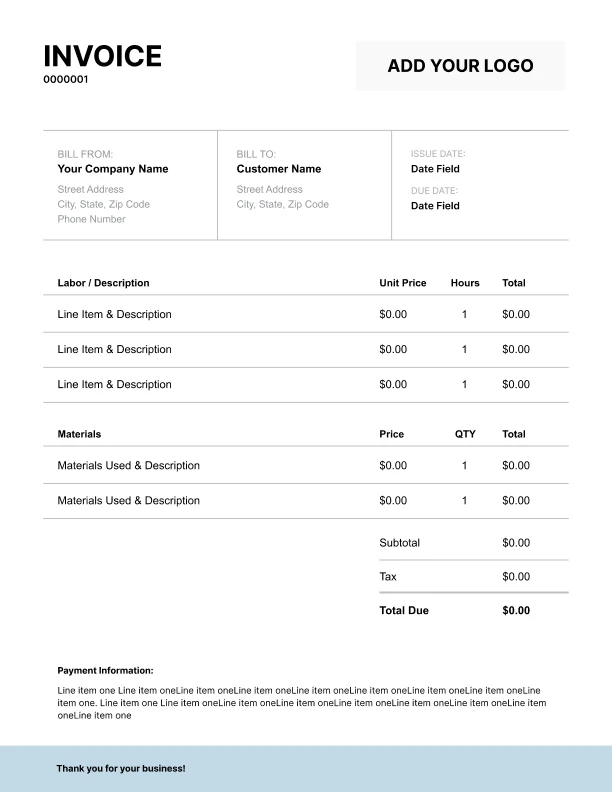
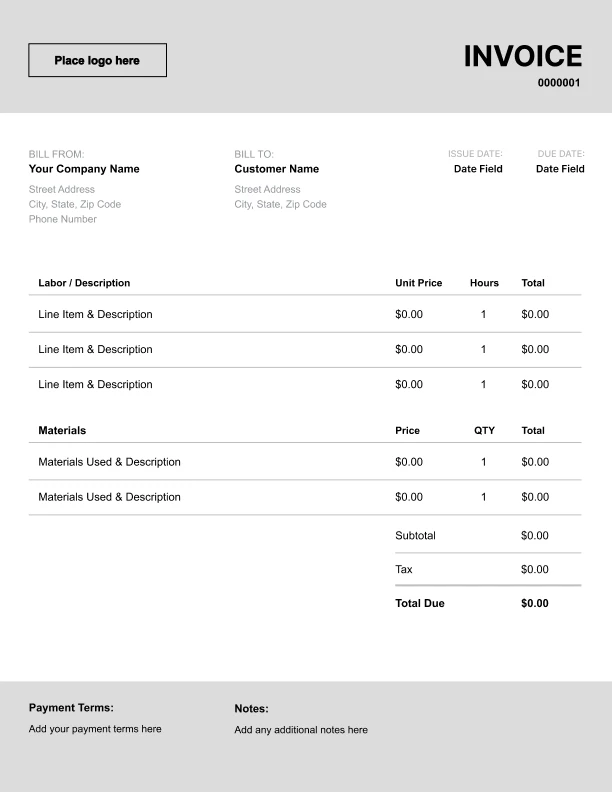
Appliance Repair Invoice Template

Free invoice templates for appliance repair technicians built for parts and labor, service call, and diagnostic fees. Download and edit in PDF, Word, Excel, Google Docs, or Google Sheets.

Also called: appliance repair invoice, appliance repair bill, or appliance service invoice.

Download Free Appliance Repair Invoice Templates

Download a template, then edit in PDF, Word, Excel, Google Docs or Google Sheets. Print or email when ready.

Sheets, Excel, Word and Doc Templates Coming November 21, 2025.

Custom Appliance Repair Invoice Template

Best for:
Logo, service plan and PO fields.

Editable Appliance Repair Invoice Template

Best for:
Edit rates, parts list, return visit.

Printable Appliance Repair Invoice Template

Best for:
Totals, tax, warranty, signatures.

Free Appliance Repair Invoice Template

Best for:
Unit, model, parts, labor, diagnostics.

How to Invoice for Appliance Repair

A simple flow that covers diagnosis, parts, and payment without confusion.
Free Online Invoice Generator
☝️ No sign-in. Save as PDF.
In 5 Steps:
  1. Confirm the work order and complete the diagnostic so you know the fault and parts needed.
  2. Write a clear scope of work tied to the appliance make, model, and serial.
  3. Itemize labor time and standard fees like trip, testing, and disposal.
  4. If a special-order part is needed, request a deposit and schedule the return visit.
  5. After completion, apply the deposit, record any approved changes, and collect the balance.
Free Online Invoice Generator
☝️ No sign-in. Save as PDF.

What to Include in an Appliance Repair Invoice

These are the must-have fields for clear, compliant invoices.
  • Business name, contact, and logo
  • Client name and service address
  • Invoice number
  • Invoice date
  • Payment due date and terms
  • Technician name and license or certification ID, if applicable
  • Appliance make, model, and serial number
  • Work order or job number
  • Parts descriptions with part numbers and quantities
  • Labor rate and unit, per hour or flat
  • Taxes on taxable items, check local rules
  • Warranty terms and coverage period; deposit received and remaining balance

Billing Scenarios for Appliance Repair Technicians

How to label charges so every invoice makes sense the moment your clients see it.

1.
Special-Order Parts Deposit; Parts Balance
Special-order part required before repair
Sets expectations for prepayment and shows the final parts amount due.
2.
After-Hours Surcharge; Priority Slot
After-hours or weekend visit requested
Explains the premium for urgent scheduling.
3.
Trip/Mileage Charge; Parking/Tolls
Service outside standard area or paid parking
Covers travel time and out-of-pocket costs.
4.
Second Technician Assist; Access/Removal Prep
Built-in or heavy unit needs two techs
Apply tax only to taxable items and show the rate and amount for each taxable line, then check local rules.
5.
Removal & Disposal; Environmental Handling
Old unit or failed parts need haul-away
Shows the cost to remove, handle, and dispose of materials.
6.
Pickup & Return; Shop Labor
Separates transport from time spent repairing in the shop.
Free Invoice Generator
No sign-in. Save as PDF.
Create a Free Account
☝️ Risk-free 30-day trial.

Service calls and parts for appliance repair

Itemize parts, labor, diagnostics, service call, haul away, and travel with professional invoice line items.

Charge or Service
Unit
Taxable
When to use
How to show it
Diagnostic Service Call
Item
First visit to assess a fault
Qty × call-out rate. Covers travel and troubleshooting; credit it to repair at your discretion.
On-Site Repair Labor
Time
Fixing or replacing components
Hours × hourly rate. Track start/stop; round to the nearest 15 minutes.
OEM Replacement Part
Item
Taxable
Installing a new part
Cost × (1 + markup%). List brand/part number and include warranty terms on the invoice.
Refrigerant (per ounce)
Item
Taxable
Charging a sealed system
Ounces × material rate. Record type and amount for logs and the customer record.
Refrigerant Recovery & Paperwork
Item
Evacuating and documenting refrigerant
Qty × service rate. Capture, label, and log per EPA rules; attach recovery documentation.
After-Hours Service Surcharge
Item
Evenings, weekends, or holidays
Qty × surcharge rate. Applies on top of labor for urgent off-hours calls.
Additional Appliance, Same Visit
Item
Servicing a second unit on site
Qty × add-on rate. Use when diagnosing or repairing another appliance during the same trip.
Leak Test & Gas Reconnect
Time
Restoring gas service after repair
Hours × hourly rate. Bubble-test and document readings before relight for safety.
Dryer Vent Cleaning
Time
Removing lint blockages
Hours × hourly rate. Note airflow before/after; reduces fire risk and improves performance.
Haul-Away & Recycling
Item
Disposing of failed units or parts
Qty × disposal rate. Includes transport and certified recycling; keep the receipt on file.
Save and reuse your appliance repair rates and fees
Create a free account and save diagnostics, labor, parts, and call fees once, so nothing gets retyped.
Create a Free Account
☝️ Risk-free 30-day trial. No card.

Common Appliance Repair Invoicing Mistakes

Real issues that stall payment and spark disputes, with straightforward fixes that prevent them.

Mistake
How to fix it
Bundling parts and labor into one line hides what was done and makes taxes and warranties unclear.
List labor and parts on separate lines with units and quantities so tax applies correctly and coverage is obvious.
Leaving out the appliance model, serial, or part numbers hurts traceability and delays claims.
Add the make, model, serial, and any part numbers for every repair so parts match and records hold up.
Describe the fault, the tests performed, and the exact fix in short, plain sentences.
Apply tax only to taxable items and show the rate and amount for each taxable line, then check local rules.
Skipping warranty details leaves clients unsure about coverage and callbacks.
State what is covered, for how long, and what voids coverage in one short section.
Doing extra work without written approval invites non payment.
Pause, send a clear change summary with costs, and get a text or signature before you proceed.

Appliance Repair Invoice FAQs

Billing help for diagnostics, parts, trip fees, after-hours, warranty, and built-in installs. Use our Appliance Repair Invoice Template to itemize and get paid faster, clear answers.

How should an appliance technician bill a diagnostic fee?

Charge a flat diagnostic, then note if it’s credited to the repair. Example line: “Diagnostic: Whirlpool washer no-spin, $89, applied to approved repair.”

What should appear on the invoice for sealed-system repairs?

List recovery, parts, labor hours, and refrigerant by ounces. Example line: “Sealed-system labor: 2.5 hr @ $125/hr = $312; Compressor WPW10160407: $289; R134a: 6 oz @ $1.50/oz = $9.”

How do I charge trip or mileage for house calls?

Use a set trip fee inside your service zone, then mileage beyond. Example line: “Trip fee: Zone A, $35; Mileage: 12 miles @ $1.00/mile = $12.”

How do I price after-hours or emergency service?

Set a higher service rate for nights, weekends, or holidays. Example line: “Emergency service: Sunday 6–9 pm, 1.0 hr @ $180/hr = $180.”

What happens when a part must be special-ordered and I return later?

Bill the first visit for diagnosis and order deposit, then the second for install. Example line: “Return visit labor: Control board install, 0.8 hr @ $125/hr = $100; Control board W11116592: $165.”

How should an invoice show manufacturer warranty work?

Split covered vs customer-pay. Example line: “Labor: Oven sensor swap, 0.6 hr @ $0 (warranty); Trip fee: $0 (warranty); Customer pay: Disposal fee, $15.”

Do gas cooktop installs need permits or inspections?

Often yes for gas or hardwired connections. Rules vary—check local rules. Example line: “Permit: Residential gas hookup, city fee, $48; Pressure test: $25.”

How do I set payment terms and late fees that get me paid?

Use clear net terms, accept cards, and add a simple late fee. Example line: “Terms: Net 10; Late fee: 1.5% monthly; Deposit: 50% on parts over $200.”