Corporate Trainer Invoice Template

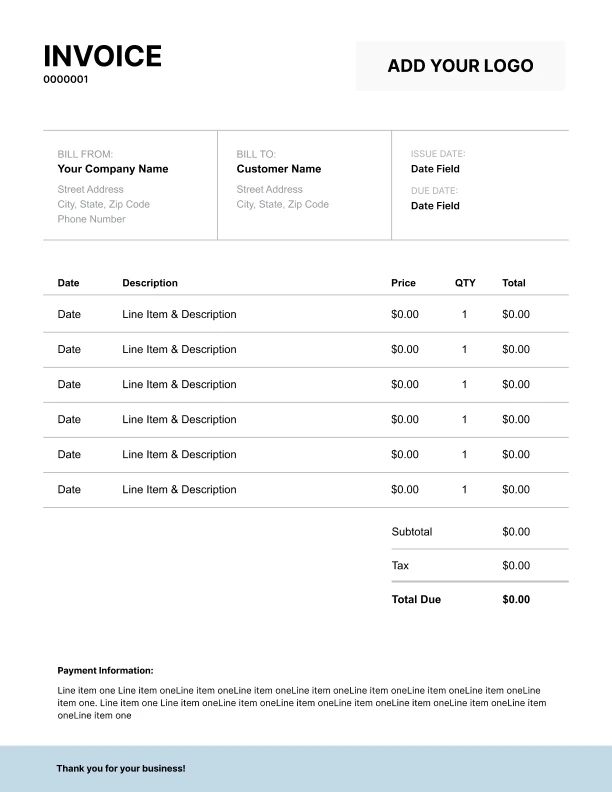
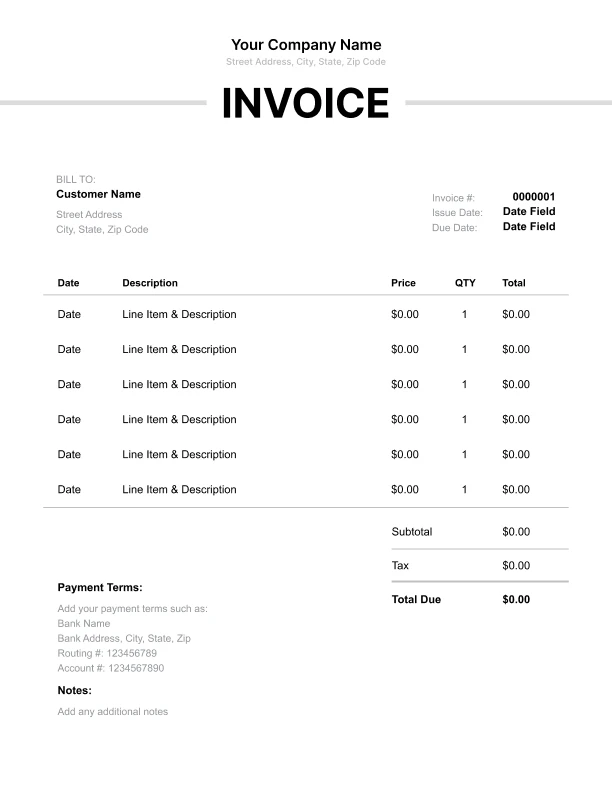
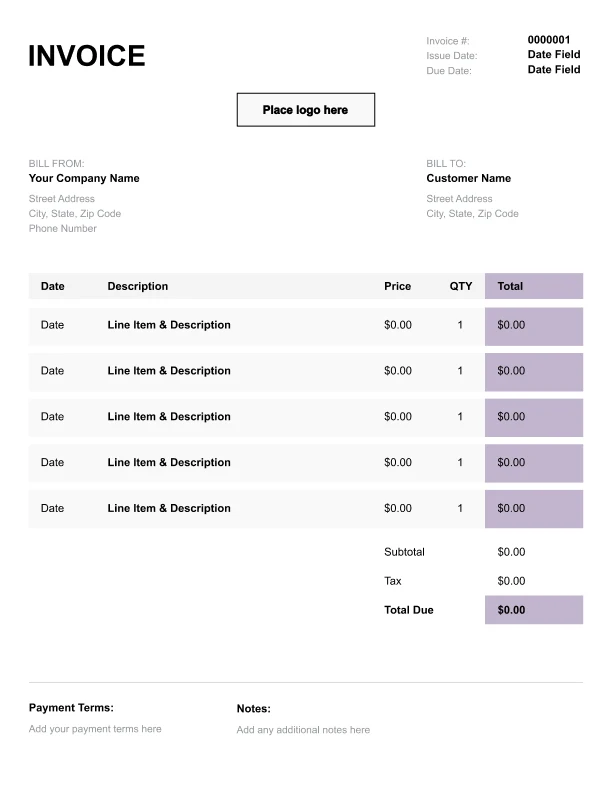
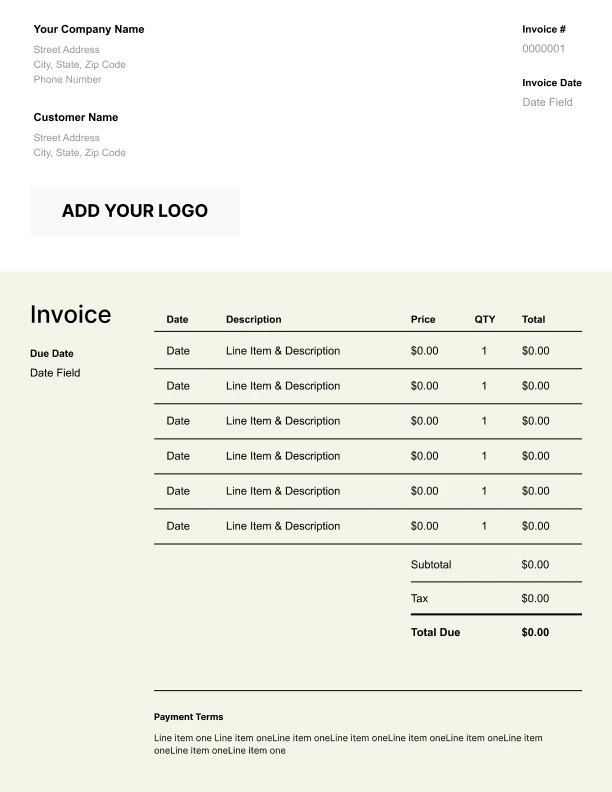
Free invoice templates for corporate trainers built for session fees, materials, and travel expenses. Download and edit in PDF, Word, Excel, Google Docs, or Google Sheets.

Also called: corporate trainer invoice, corporate trainer bill, or corporate training invoice.

Download Free Corporate Trainer Invoice Templates

Download a template, then edit in PDF, Word, Excel, Google Docs or Google Sheets. Print or email when ready.

Sheets, Excel, Word and Doc Templates Coming November 21, 2025.

Editable Corporate Trainer Invoice Template

Best for:
Edit modules, travel, per diem, expenses.

Custom Corporate Trainer Invoice Template

Best for:
Logo, PO, cohort and campus fields.

Free Corporate Trainer Invoice Template

Best for:
Sessions, outcomes, hours, materials.

Printable Corporate Trainer Invoice Template

Best for:
Agenda, totals, dates, signatures.

How to Invoice as a Corporate Trainer

Keep dates locked, costs clear, and cash flowing with a simple five-step billing routine.
Free Online Invoice Generator
☝️ No sign-in. Save as PDF.
In 5 Steps:
  1. Confirm scope, attendee count, dates, and deliverables in a signed SOW or email approval.
  2. Send an estimate with rates and expected expenses, and collect a deposit to reserve the dates.
  3. Deliver the training and track hours, travel, materials, and change approvals with receipts.
  4. Create the invoice for the remaining balance, applying the deposit and any approved changes.
  5. State how to pay and the due date, then send reminders and a receipt once paid.
Free Online Invoice Generator
☝️ No sign-in. Save as PDF.

What to Include in a Corporate Trainer Invoice

These are the must-have fields for clear, compliant invoices.
  • Your business name, logo, and contact info
  • Client organization and billing contact
  • Invoice number and issue date
  • Payment due date and accepted methods
  • Purchase order or SOW/contract reference
  • Service period or event dates
  • Line items table (description, hours/days, rate)
  • Expenses table (travel, materials) with receipts note
  • Deposit/credit applied reference
  • Tax ID/VAT ID and business license # (check local rules)

Billing Scenarios for Corporate Trainers

How to label charges so every invoice makes sense the moment your clients see it.

1.
Curriculum Design Hours; Workshop Delivery Day Rate
You design a custom curriculum and also deliver the workshop.
It separates creation work from facilitation so the client sees both parts.
2.
Travel Mileage; Lodging
You travel to the client site for an on-site session.
It shows the direct costs of getting you there.
3.
Platform Fee; Tech Setup
You run the training virtually using a paid platform.
It covers the license and the time to configure the room.
4.
Additional Attendees; Materials Reprint
Attendance exceeds the agreed cap.
Show the original deposit as a credit line and subtract it from the subtotal. Note the date received and method.
5.
Cancellation Fee; Nonrefundable Deposit
The client cancels inside your notice window.
It protects blocked dates and prep time you cannot reuse.
6.
Follow-up Coaching Hours; Debrief Report
It charges for continued help and a clear summary.
Free Invoice Generator
No sign-in. Save as PDF.
Create a Free Account
☝️ Risk-free 30-day trial.

Session rates and materials for corporate trainers

List session fees, materials, prep time, and travel with professional invoice line items.

Charge or Service
Unit
Taxable
When to use
How to show it
Onsite training facilitation
Time
Delivering an onsite workshop
Hours × hourly rate. Include prep built into facilitation as agreed; capture roster for records.
Virtual session facilitation
Time
Running a live webinar
Hours × hourly rate. Use for live virtual delivery with Q&A and interaction tracking.
Needs assessment
Time
Before scoping the engagement
Hours × hourly rate. Interview stakeholders and sample learners to define goals and constraints.
Custom curriculum design
Time
Designing course outcomes
Hours × hourly rate. Map modules, activities, and assessments to business outcomes.
Slide deck development
Time
Building session slides
Hours × hourly rate. Draft, brand, and version slides ready for facilitator and learners.
Printed participant guides
Item
Taxable
Providing printed workbooks
Qty × unit cost. Provide printed, bound guides learners keep; store a sample in your files.
Travel time to site
Time
Driving to client location
Hours × hourly rate. Bill portal-to-portal time that isn’t part of facilitation.
Travel expenses pass-through
Item
Reimbursing actual expenses
Cost × (1 + markup%). Pass-through airfare, lodging, parking, and meals with receipts.
Post-training report
Item
Delivering outcomes and next steps
Hours × hourly rate. Analyze results, compile feedback, and list recommendations with owners.
After-hours/weekend surcharge
Item
Evenings or weekend delivery
Qty × after-hours rate. Apply for work starting outside standard business hours.
Save and reuse your training rates and sessions
Create a free account and save session fees, material costs, and travel charges once, so nothing gets retyped.
Create a Free Account
☝️ Risk-free 30-day trial. No card.

Common Corporate Trainer Invoicing Mistakes

Invoices fall apart when details are fuzzy or terms are missing. Use these fixes to keep approvals fast and payments on time.

Mistake
How to fix it
Missing payment terms leads to slow pay and avoidable back and forth.
Always include a clear due date, late fee policy, and accepted payment methods. Put them near the total and in your footer.
No written scope or deliverables turns add ons into disputes.
Reference the SOW or approved brief and summarize the scope at the top of the invoice. Point to the change approval trail if something grew.
Break out hours or days, rates, and units for each service. Add a short description that maps to the project plan.
Show the original deposit as a credit line and subtract it from the subtotal. Note the date received and method.
Skipping the client PO or approver name triggers accounts payable rejections.
Ask for the PO and the billing contact before delivery. Put both in the invoice header so it routes correctly.
Ignoring tax rules on services or materials risks non-compliance and penalties.
Confirm what is taxable for training and materials, then calculate and display taxes clearly. Add your tax ID and note to check local rules.

Corporate Trainers Invoice FAQs

Bill workshops, coaching, prep, travel, platform fees, and cancellations like a pro. Line items, markup, terms, and tax guidance for trainers. Built for your Corporate Trainers Invoice Template.

What should my invoice show for a multi-day onsite workshop?

List day rates, headcount, and any materials. Add prep and travel as separate lines. Example: “3-Day Onsite Workshop @ $2,000/day = $6,000,” “Pre-Work (6 hrs @ $125) = $750,” “Travel Day (1 @ $600) = $600.”

How do I show prep and customization hours?

Break out scoping, curriculum design, and slide build. Training consultants often add a cap. Example: “Program Design (up to 12 hrs @ $120) = $1,440,” “Deck Customization (4 hrs @ $120) = $480.”

How should I charge for travel days and per diem?

Use a flat day rate plus IRS-aligned per diem. Include airfare and lodging as pass-through or with markup. Example: “Travel Day Rate = $500,” “Per Diem (2 days @ $74) = $148,” “Airfare = $386.”

Can I use milestone billing for a leadership program rollout?

Yes. Tie payments to deliverables: kickoff, pilot, full rollout. Example: “Milestone 1: Needs Analysis = $1,800,” “Milestone 2: Pilot Delivery = $4,000,” “Milestone 3: Rollout (4 cohorts) = $12,000.”

How do I price virtual training with platform costs and recordings?

Charge session fees, platform license, and editing. Facilitators also list breakout moderation. Example: “Zoom Large Meeting (monthly share) = $60,” “2 x 90-min Sessions @ $800 = $1,600,” “Recording Edit = $250.”

How do retainers work for ongoing coaching and L&D support?

Set a monthly block of hours with rollover rules. Show overage at your hourly. Example: “Monthly Retainer (10 hrs @ $150) = $1,500,” “Overage (2 hrs @ $175) = $350.”

What cancellation and rescheduling terms should I put on the invoice?

State windows and percentages. Include nonrefundable prep. Example: “Cancel <7 days: 100% of Day Rate = $2,000,” “Reschedule Fee = $300,” “Nonrefundable Pre-Work = $500.”

Do I need to collect sales tax on training services?

Rules vary—check local rules. Some states tax digital materials or recordings. Example: “Digital Workbook (taxable) = $29,” “Live Training Service (non-taxable in state) = $0 tax,” “Sales Tax (7%) = $2.03.”