Septic Services Invoice Template

Free invoice templates for septic services built for pumping, labor, and disposal fees. Download and edit in PDF, Word, Excel, Google Docs, or Google Sheets.

Also called: septic services invoice, septic services bill, or septic invoice.

Download Free Septic Services Invoice Templates

Download a template, then edit in PDF, Word, Excel, Google Docs or Google Sheets. Print or email when ready.

Sheets, Excel, Word and Doc Templates Coming November 21, 2025.

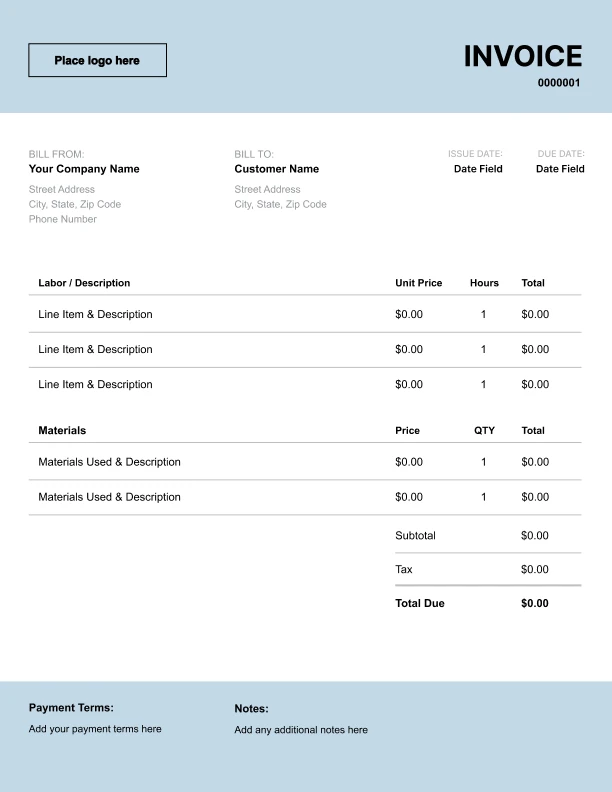
Custom Septic Services Invoice Template

Best for:
Logo, permit and tank ID fields.

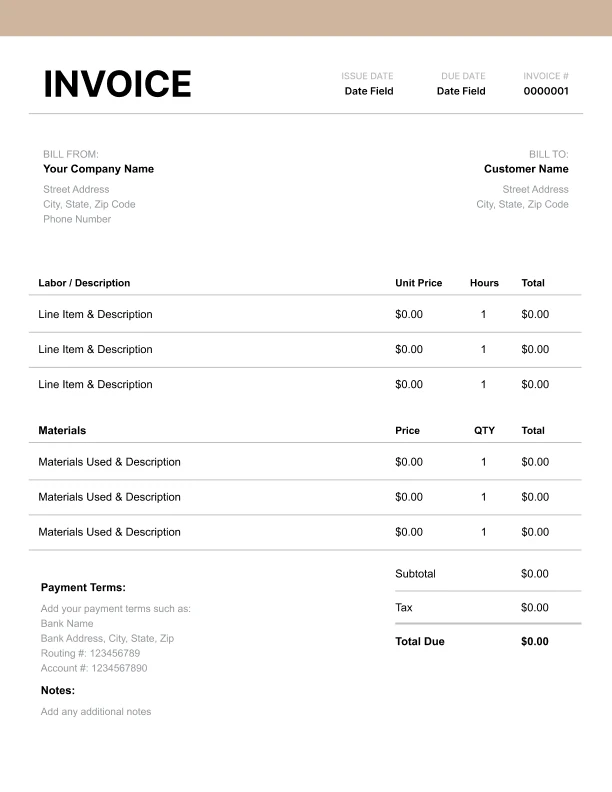
Editable Septic Services Invoice Template

Best for:
Edit rates, emergency, add chemicals.

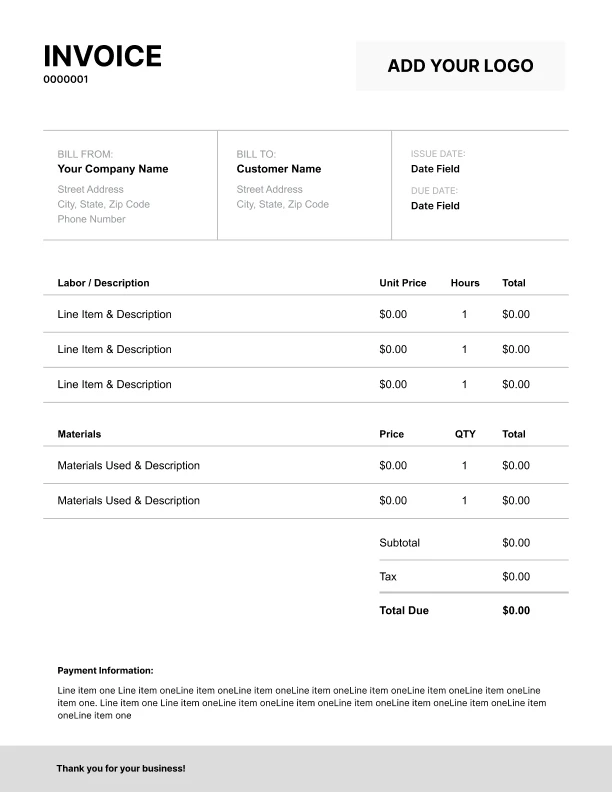
Printable Septic Services Invoice Template

Best for:
Totals, site map, signatures.

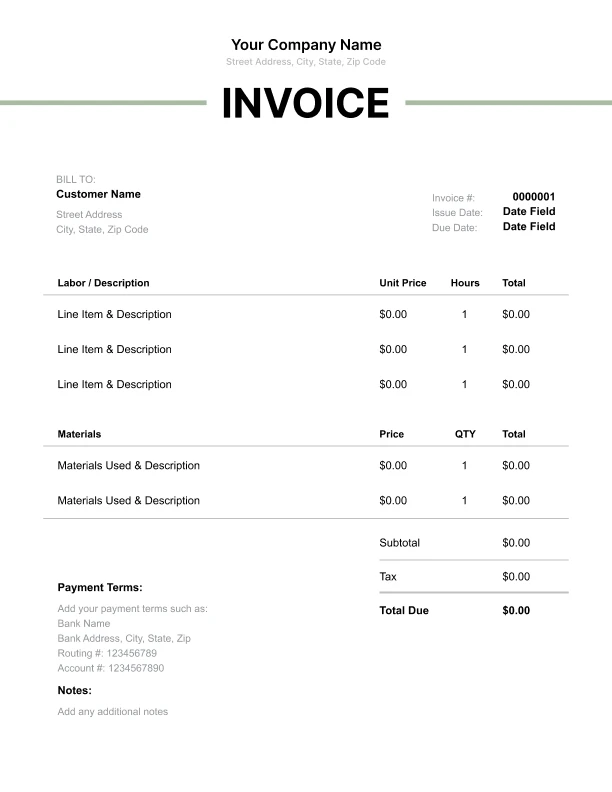
Free Septic Services Invoice Template

Best for:
Pump, inspect, repair, disposal lines.

How to Invoice as a Septic Contractor

A simple workflow to capture waste handling, parts, and time without confusion.
Free Online Invoice Generator
☝️ No sign-in. Save as PDF.
In 5 Steps:
  1. Confirm scope, tank size, access, needed permits or inspections, and rates in writing.
  2. Collect a deposit for installs or major repairs and issue a deposit receipt.
  3. Do the work and log time, parts, equipment used, disposal volume, and notes.
  4. Build the invoice, attach permit or job docs as needed, and set a clear due date.
  5. Apply the deposit to the balance, add payment terms, send, and follow up.
Free Online Invoice Generator
☝️ No sign-in. Save as PDF.

What to Include in a Septic Contractor Invoice

These are the must-have fields for clear, compliant invoices and check local rules.
  • Business name, address, phone, and email
  • Client name and service address
  • Invoice number
  • Issue date and due date
  • Technician name and license #
  • Permit or inspection #
  • Waste transport manifest #
  • Tank size and location reference
  • Purchase order or work order #
  • Payment terms and accepted methods
  • Taxes, environmental fees, and disposal site
  • Warranty terms and service window

Billing Scenarios for Septic Contractors

How to label charges so every invoice makes sense the moment your clients see it.

1.
Emergency service call; After-hours rate
After-hours backup emergency
Shows the premium for urgent work outside standard hours.
2.
Tank pumping up to base gallons; Extra volume per 100 gallons
Tank pumping beyond base volume
Separates the base rate from overage so volume is clear.
3.
Tank locate; Uncover/excavation
Buried tank locate and uncover
Makes searching and digging transparent.
4.
Line jetting; Equipment setup fee
Clogged line cleared with jetter
State access status, obstacles, and extra time in your notes. Get signoff on site if conditions change.
5.
Effluent filter; Installation labor
Effluent filter or outlet baffle replacement
Shows the part and the work as separate charges.
6.
Disposal or manifest fee; Environmental surcharge
Covers third-party disposal costs and regulatory fees.
Free Invoice Generator
No sign-in. Save as PDF.
Create a Free Account
☝️ Risk-free 30-day trial.

Standard charges and fees for septic services

Itemize tank size, gallons pumped, inspections, repairs, jetting, and disposal tickets with professional invoice line items.

Charge or Service
Unit
Taxable
When to use
How to show it
Septic tank pumping & disposal
Item
Scheduled pump-out or full tank
Qty × fixed rate. Includes pump-out and legal disposal; attach disposal manifest in your files.
Diagnostic & site visit
Item
First call or unknown issue
Qty × flat call-out. Covers assessment time and basic testing; apply trip charge only once per job.
Emergency after-hours service
Item
Nights, weekends, or holidays
Qty × after-hours rate. Use for urgent responses outside standard hours; add on top of other work.
Tank locate & expose
Time
Lid is buried or unknown
Hours × hourly rate. Includes digging and uncovering; photograph depth for recordkeeping and backfill notes.
Riser & lid kit
Item
Taxable
Add riser for future access
Qty × cost × (1 + markup%). List hardware as a single kit; note tank size and bolt pattern.
Effluent pump (part)
Item
Taxable
Pump has failed or weak
Qty × cost × (1 + markup%). Part only; list model and warranty terms on the invoice.
Pump replacement labor
Time
Swap pump, floats, or wiring
Hours × hourly rate. Covers removal, install, and testing; document amperage draw and float settings.
Camera inspection & line locate
Time
Suspected line damage or roots
Hours × hourly rate. Record footage and footage length; provide digital links or file names in notes.
Drain field jetting
Item
Slow leach lines or backups
Qty × fixed rate. High-pressure clean selected laterals; mark which lines were serviced for future visits.
Permit & inspection handling
Item
Work needs permit or inspection
Pass-through as billed. Attach permit number and agency; add admin time on a separate labor line if needed.
Save and reuse your septic service rates and fees
Create a free account and save pumping fees, inspection rates, and disposal tickets once, so nothing gets retyped.
Create a Free Account
☝️ Risk-free 30-day trial. No card.

Common Septic Contractor Invoicing Mistakes

These slipups slow payment and spark disputes. Use these quick fixes to keep jobs clean and paid.

Mistake
How to fix it
Leaving out the invoice number or due date slows processing and delays payment.
Use a unique invoice ID and a clear due date. Keep your numbering consistent across all invoices.
Using vague service descriptions makes clients question charges and stall payment.
Write short descriptions that name the task, the unit, and the quantity. Keep jargon out and use common words.
Record the deposit as money received and show the remaining balance due. Match the receipt to the invoice.
State access status, obstacles, and extra time in your notes. Get signoff on site if conditions change.
Charging tax the wrong way on parts or fees creates compliance risk.
Apply tax only where required and show it clearly. If rules vary by job type, check local rules.
Leaving out warranty or service window details triggers avoidable callbacks.
State what is covered, for how long, and any limits. Put the start date and conditions in plain language.

Septic Services Invoice FAQs

Bill pumping by gallons, disposal slips, lid digs, jetting time, permits, and emergency callouts with confidence. Real septic line items and terms, clear answers.

How should I bill pumping by tank size?

Bill flat rate by capacity and include gallons pumped. Add a per-extra-gallon rate if the tank exceeds the quoted size. Example: “Pump 1,000-gal tank $375; Extra 150 gal @ $0.25 $37.50.”

Do I list disposal fees from the wastewater plant?

Yes. Show the plant tip fee as its own line with the manifest number. Example: “Sludge disposal, Plant Receipt #18427 $68.”

Should uncovering buried lids be separate?

Yes. Charge dig time or a fixed uncover fee so your pumping rate stays clean. Example: “Expose two buried lids, 0.75 hr @ $120/hr $90.”

How do I price emergency backups after hours?

Add an after-hours callout plus your normal labor. If a pumper and helper go, show both rates. Example: “Emergency callout 8–10 pm $150; Tech labor 1.5 hr @ $135/hr $202.50; Helper 1.5 hr @ $95/hr $142.50.”

Do I need to add permit and inspection fees for drain field work?

If the county requires them, list each fee by name and pass through the cost. Rules vary. Check local rules. Example: “County drain field repair permit $120; Final inspection fee $85.”

How do I show time and materials for jetting a clogged line?

Split setup, jetting time, and nozzle wear or hose footage if you bill it. Add camera time if used. Example: “Jetting 1.2 hr @ $140/hr $168; Camera locate 0.5 hr @ $135/hr $67.50.”

Tank is larger than quoted. How do I handle the change?

Add a signed change order on site and price the delta by gallons and time. Keep the original quote visible. Example: “Change order: additional 500 gal @ $0.25 $125; Extra labor 0.5 hr @ $135/hr $67.50.”

Can I include a trip fee for remote jobs?

Yes, if distance or difficult access increases costs. Note miles or zone. Example: “Rural trip fee, 38 miles round trip @ $1.50/mi $57.”